
Microsoft 365 Services
Simplify How Work Gets Done.
Microsoft 365 has more to offer than most businesses ever activate.
WorkSmart helps you get more value from the platform by improving how your team collaborates, accesses information, manages devices, secures identities, and protects company data.

One Platform. More Possibility.
Microsoft 365 can do far more than email. WorkSmart helps you modernize how your people access, manage, secure, and share information across the tools they use every day.
Modernize Access
Move identity and access to the cloud with Microsoft Entra ID, single sign-on, and secure access that works wherever your team does.
Manage Devices
Use Microsoft Intune and Autopilot to configure, secure, deploy, and manage devices consistently while making onboarding and replacement easier.
Connect Your Work
Bring email, files, and collaboration together across Exchange, SharePoint, OneDrive, and Teams so information is easier to access, manage, and share.

Plan the Right Microsoft 365 Environment
Review your current tenant, licensing, security posture, collaboration structure, and business needs before making changes.

Migrate and Modernize
Move email, files, identity, devices, and collaboration tools into Microsoft 365 with careful sequencing and minimal disruption to users.

Secure and Manage
Strengthen access, policies, backup, device management, and ongoing administration so Microsoft 365 stays useful, secure, and aligned with how your team works.

Activate the Platform You’re Already Paying For
Many businesses use only a fraction of Microsoft 365.
WorkSmart helps you get more from the platform by improving identity, device management, collaboration, file access, security, and administration, while reducing tool sprawl and unnecessary complexity.
Whether you are migrating from another platform, cleaning up an existing tenant, strengthening security, or modernizing how your team works, the goal is the same: make Microsoft 365 easier to use, manage, and support.
Why Businesses Choose WorkSmart for Microsoft 365

More Value From Microsoft 365
Activate more of the tools and capabilities you already own across identity, collaboration, security, device management, and administration.

Stronger Identity & Security
Strengthen Microsoft Entra ID, MFA, Conditional Access, permissions, and security policies to reduce account and access risk.

Modern Devices & Collaboration
Use Intune, Autopilot, SharePoint, OneDrive, Exchange, and Teams to create a more consistent and connected way for employees to work.

One Accountable Microsoft Team
Keep Microsoft 365 migration, security, backup, device management, and ongoing administration connected through one team.
Our Locations
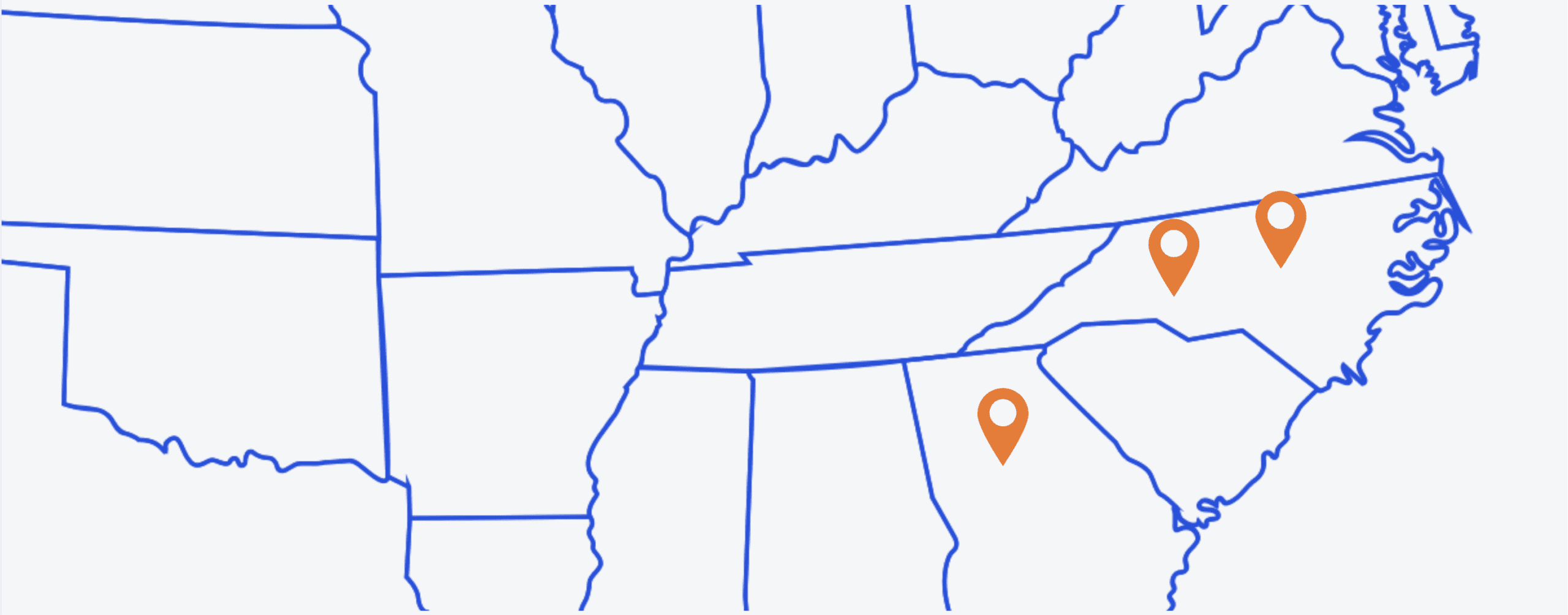
WorkSmart has physical offices in Durham, Charlotte, and Atlanta, with service reach across the East Coast and throughout the U.S. Wherever your team works, our role stays the same: one accountable IT ally bringing clarity, continuity, and progress.
What Our Clients Say
Awards & Accolades